
AI translation in 17 source languages
Choose a source language and a target. Traditional Chinese is an extra target, for 18 targets in total.
Supported languagesUpload a video, translate the speech, and burn the subtitles into the picture. Add dubbing afterward only if you want a new voice. 17 source languages, 18 targets.
Supported translation languages: English, Chinese, Traditional Chinese, Japanese, Korean, Spanish, Portuguese (Brazil), French, German, Italian, Russian, Thai, Vietnamese, Indonesian, Arabic, Hindi, Turkish, Persian
Choose videoTranslate, subtitle, and dub in one flow — in the browser or in the VidDub app.
Choose a source language and a target. Traditional Chinese is an extra target, for 18 targets in total.
Supported languagesAfter translation, pick a voice and generate a dubbed version.
How AI dubbing worksAuto-generate synced subtitles. Choose one language or bilingual display, plus style, position, vertical offset, color, and size.
Subtitle translatorDubbed audio is sped or stretched to the original speech timeline. This is not visual lip replacement on the face.
Upload or paste a link, set languages and subtitle style, then wait in the queue. Time depends on length and server load.
Finished files live in the cloud and are deleted after about 24 hours. We do not use your videos to train third-party AI models.
Same steps as the VidDub app: upload, languages, subtitles, confirm, then download.
Import a local file or paste a video link. Files over 2 GB are not accepted.
Set source and target, subtitle style, then confirm. Dubbing voices are chosen after the translation finishes.
Download the translated video, copy a short-lived link, or export subtitles. Dub in a second step if you need a voice track.
However you make video, VidDub helps it travel.
Publish in your viewers' language without rebuilding the edit.
Localize product and ad videos for each market you sell in.
Make lessons easier to follow for students in another language.
Ship multilingual cuts without a separate translation vendor for every clip.
Bring dramas, clips, and shorts to new regions.
Turn one recording into versions for more than one language.
Portuguese is Brazilian Portuguese. These are video translation languages — the website UI language is chosen separately.
Upload your first video after you sign in, or get the app on iOS and Android.
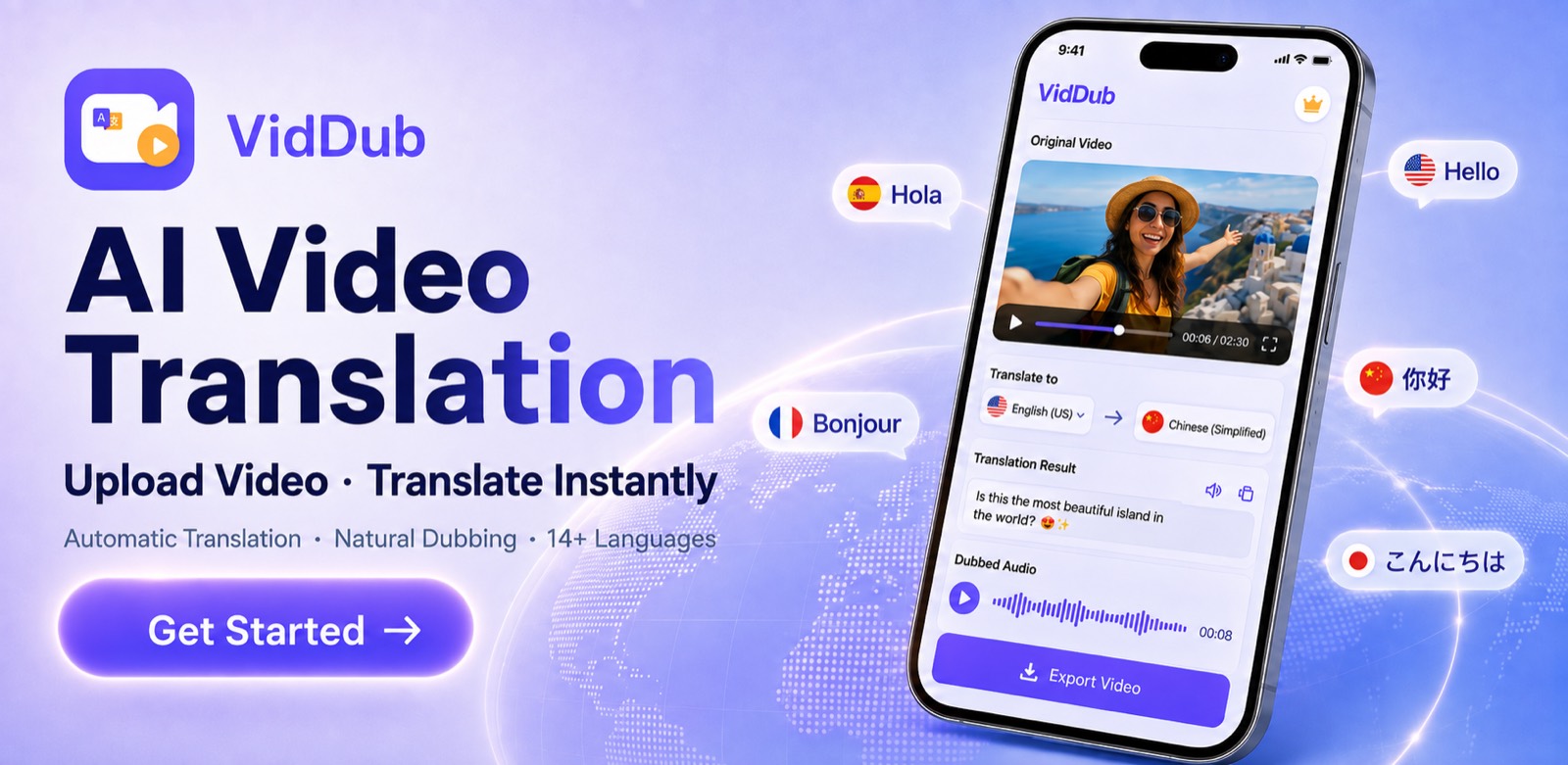
VidDub is an AI video translation and dubbing tool. It runs in the browser at viddubapp.com and in the iOS and Android apps. After you sign in and upload a video file, VidDub transcribes the speech, translates it, and burns the translated subtitles into the video. You can add AI dubbing afterward if you need it. VidDub is not a Chrome extension. It does not clone voices or lip-sync, and it does not download videos from YouTube or TikTok. On the web, one-time minute packs start at US$3.90 for 30 minutes.
17 source languages: English, Chinese, Japanese, French, Spanish, German, Russian, Italian, Brazilian Portuguese, Thai, Vietnamese, Indonesian, Korean, Arabic, Hindi, Turkish, and Persian. Traditional Chinese is an extra target (18 targets in total).
Finished videos are stored in the cloud and deleted after about 24 hours. Copied links can expire sooner than that. Your content is not used to train third-party AI models. Details are in the privacy policy.
After you sign in, one eligible video of up to 10 minutes can use a free preview of about the first third. Exporting the full translation uses credits, rounded up to the next minute: 90 seconds uses 2 minutes. One-time packs on this site start at US$3.90 for 30 minutes. See /en/pricing/.
You can change subtitle style: position, vertical offset, color, size, and single or bilingual display, with a live preview. Line-by-line script rewriting is not offered.
In the browser at viddubapp.com (Google or Sign in with Apple), on Android via Google Play, and on iOS via the App Store.